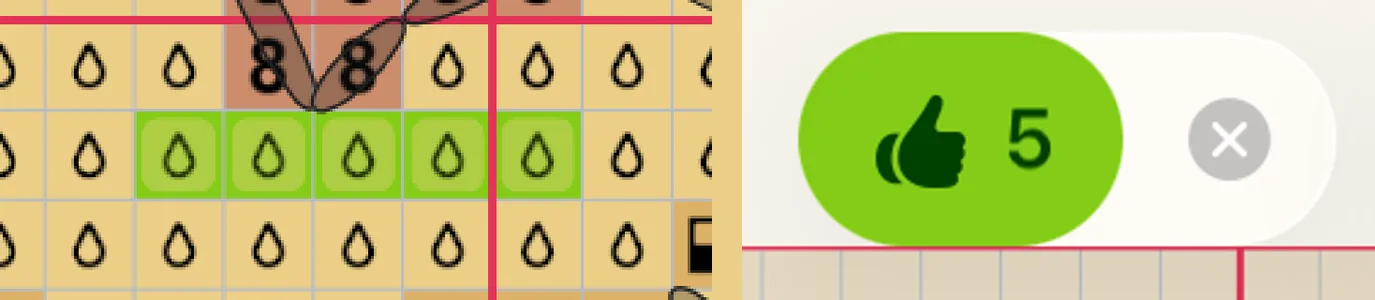
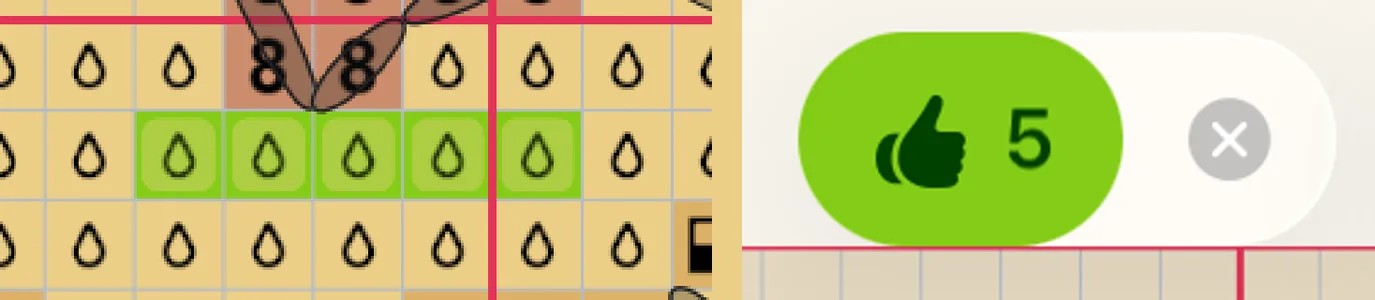
(1) Each tap adds a square to 👍. (2) Tap 👍: the squares are marked and the tools come back.
How waiting works
Nothing runs on a timer. Squares wait until you tap 👍 or ✕, even if you leave the chart or close the app.
Erasing waits too: 👍 −5 takes five marks off. See Erase and undo.
Backstitch is counted in lines: 👍 3 lines.
One 👍 is one step to undo, however many squares it marked. So is one ✕.
Mark at once, without 👍
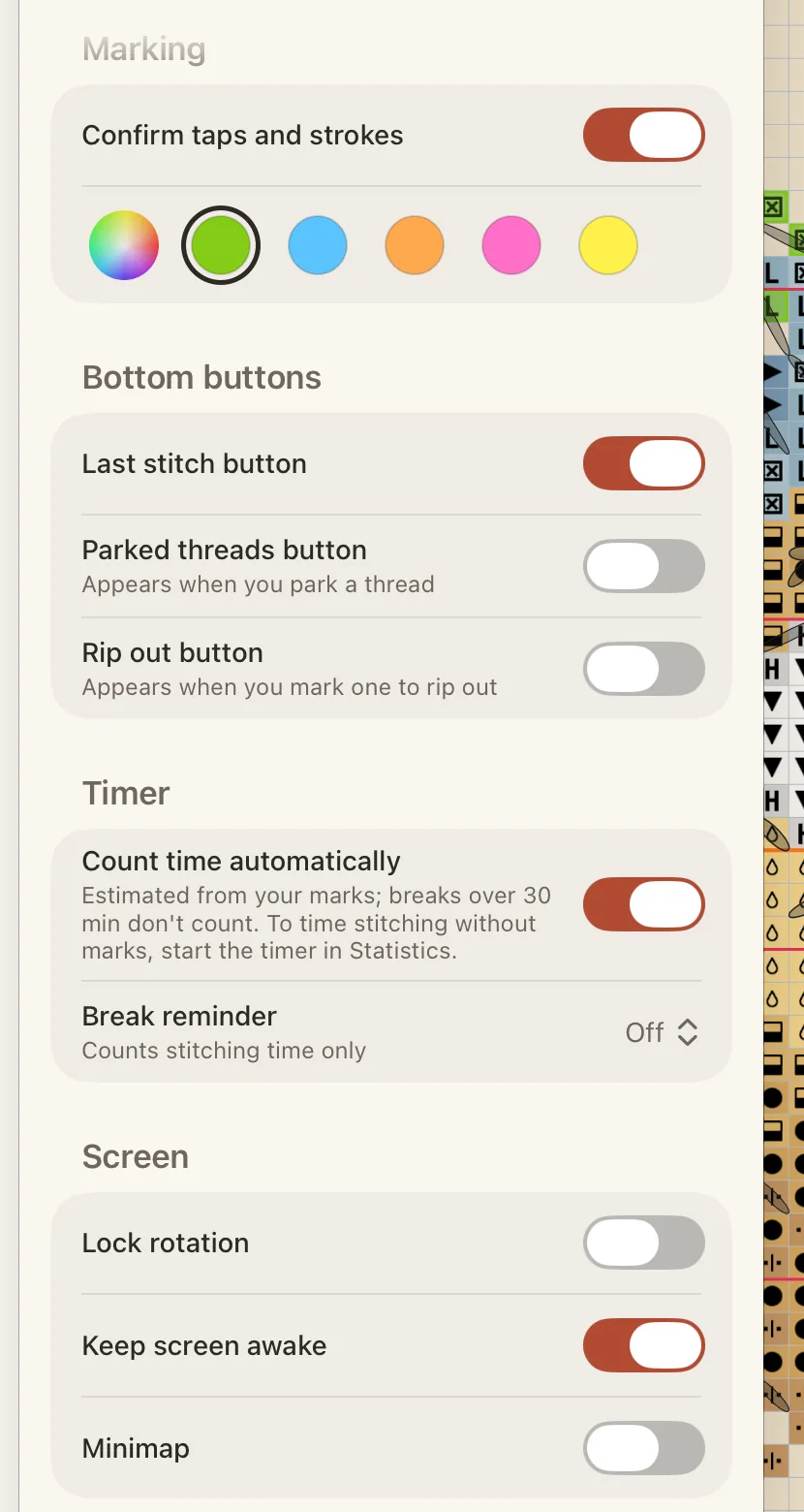
Tap the gear at the top to open the Pattern panel, then tap Tools.
Under Marking, turn off Confirm taps and strokes.
If squares are waiting when you turn it off, Crosstela asks whether to mark them or Discard them. While it is on, the row of colours under it sets the frame colour of waiting squares; lime is the default.
Одне 👍 — це один крок скасування, хоч скільки клітинок воно позначило. Так само й одне ✕.
Позначати одразу, без 👍
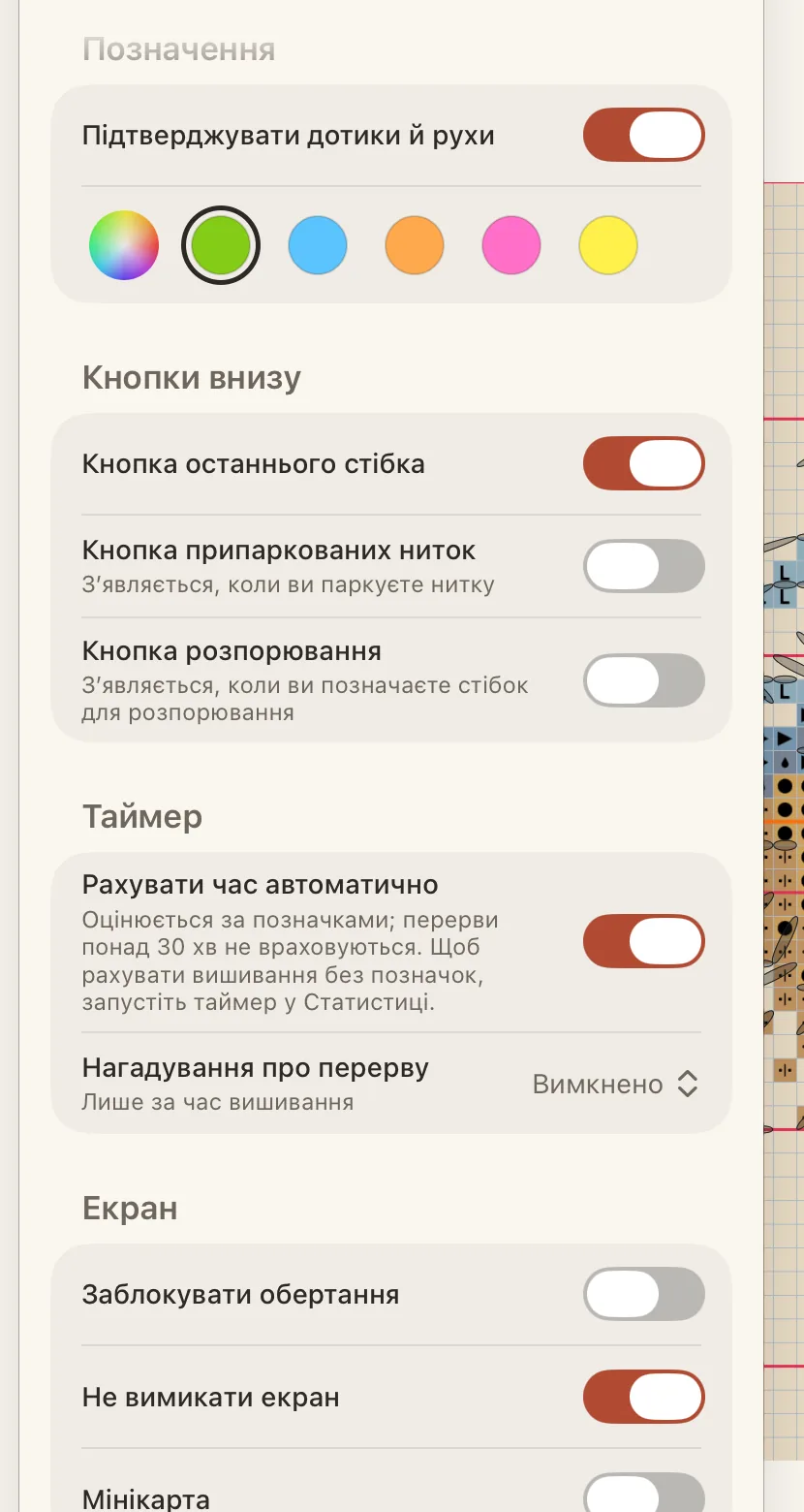
Торкніться шестірні вгорі, щоб відкрити панель Схема, а потім — Інструменти.
У розділі Позначення вимкніть Підтверджувати дотики й рухи.
Якщо в цей момент якісь клітинки чекають, Crosstela запитає, позначити їх чи Відкинути. Поки параметр увімкнено, ряд кольорів під ним задає колір рамки клітинок, що чекають; стандартний — салатовий.