Handbook › Share and sync
Share a picture or a pattern file
Send a picture of your work, or the pattern itself as a file, with or without your progress.
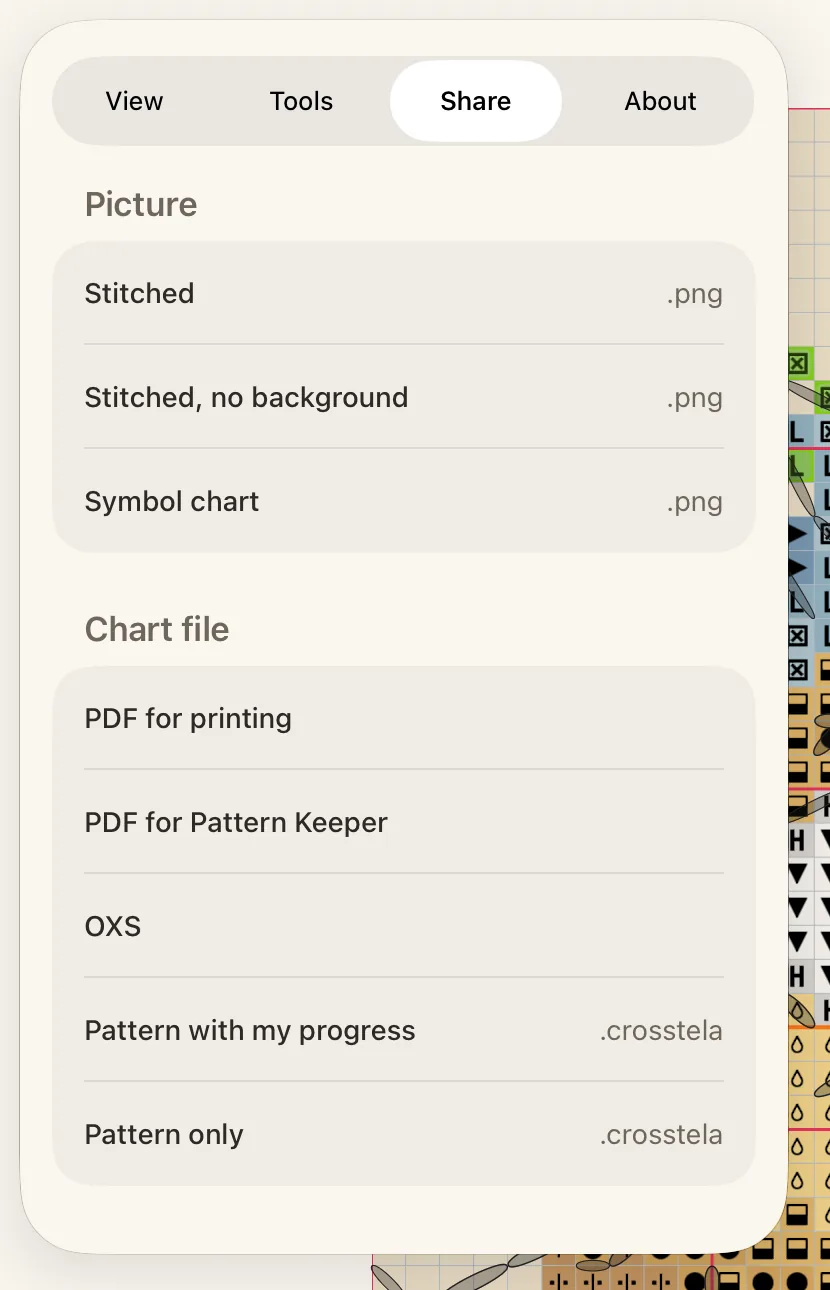
- Open the pattern and tap the gear to open the Pattern panel.
- Tap Share.
- Tap a picture or a file.
- In the share sheet, choose an app, AirDrop or Save to Files.
- 1Picture
- 2Chart file
- 3Pattern with my progress
- 4PDF for printing
While a file is made, a card shows its progress; tap Cancel to stop.
A picture
Under Picture, each choice makes a PNG image:
- Stitched: the whole piece as stitched, on its cloth.
- Stitched, no background: the same, without the cloth.
- Symbol chart: the chart with its symbols.
A chart file
Under Chart file:
- PDF for printing: pages for paper. See Print a pattern.
- PDF for Pattern Keeper: a PDF the Pattern Keeper app reads.
- OXS: for other cross-stitch programs.
- Pattern with my progress: a Crosstela file with your marks. Open it on another device to carry on where you left off.
- Pattern only: a Crosstela file without your marks, to start fresh.
If a format cannot carry something in your pattern, such as a stitch kind, Crosstela lists it before you share.
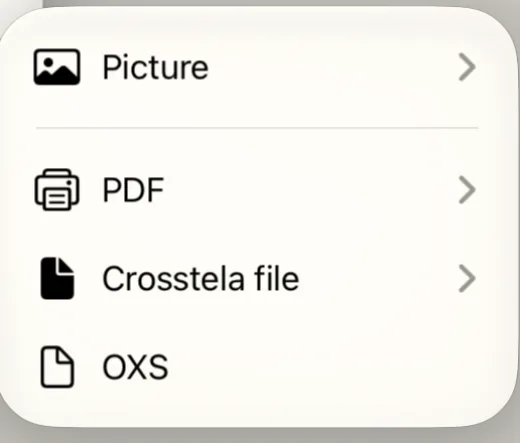
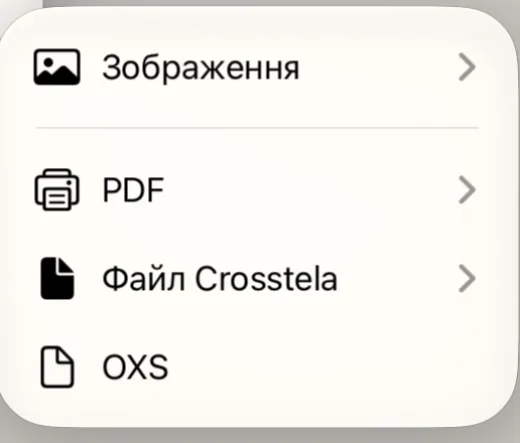
On the shelf, the same choices sit in short menus.
Посібник › Поширення й синхронізація
Поділіться зображенням або файлом
Надішліть зображення своєї роботи або саму схему файлом — з прогресом чи без.
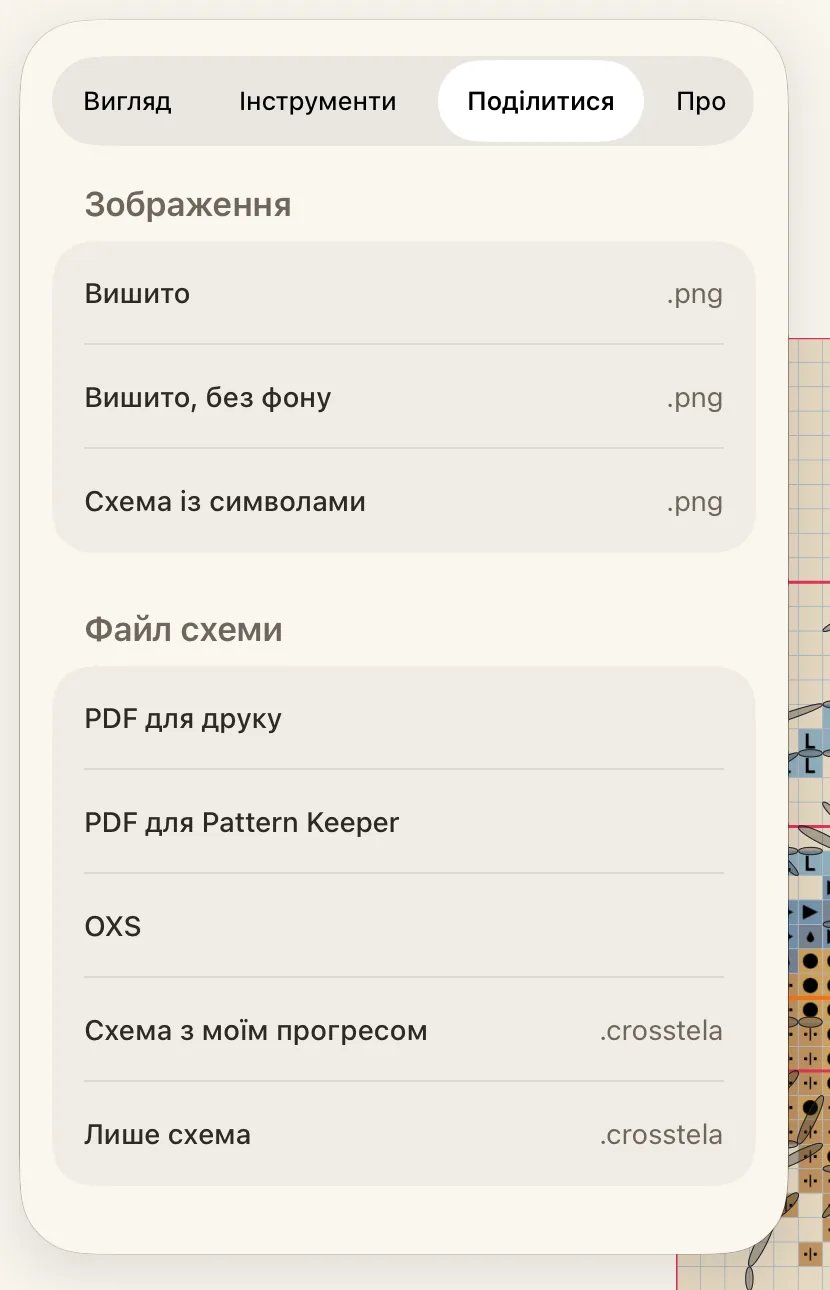
- Відкрийте схему й торкніться шестірні, щоб відкрити панель Схема.
- Торкніться Поділитися.
- Торкніться зображення чи файлу.
- У меню «Поділитися» виберіть застосунок, AirDrop або Зберегти у Файли.
- 1Зображення
- 2Файл схеми
- 3Схема з моїм прогресом
- 4PDF для друку
Поки файл створюється, картка показує, скільки зроблено; торкніться Скасувати, щоб зупинити.
Зображення
У розділі Зображення кожен варіант створює картинку PNG:
- Вишито: уся робота вишитою, на тканині.
- Вишито, без фону: те саме, але без тканини.
- Схема із символами: схема з її символами.
Файл схеми
У розділі Файл схеми:
- PDF для друку: сторінки для паперу. Див. Друк схеми.
- PDF для Pattern Keeper: PDF, який читає застосунок Pattern Keeper.
- OXS: для інших програм для вишивки.
- Схема з моїм прогресом: файл Crosstela з вашими позначками. Відкрийте його на іншому пристрої й продовжуйте з того самого місця.
- Лише схема: файл Crosstela без ваших позначок, щоб почати з нуля.
Якщо формат не може зберегти щось із вашої схеми, наприклад певний вид стібків, Crosstela перелічить це перед надсиланням.
На полиці ті самі варіанти зібрано в короткі меню.